QR Code Ordering for Restaurants Without Per-Order Fees
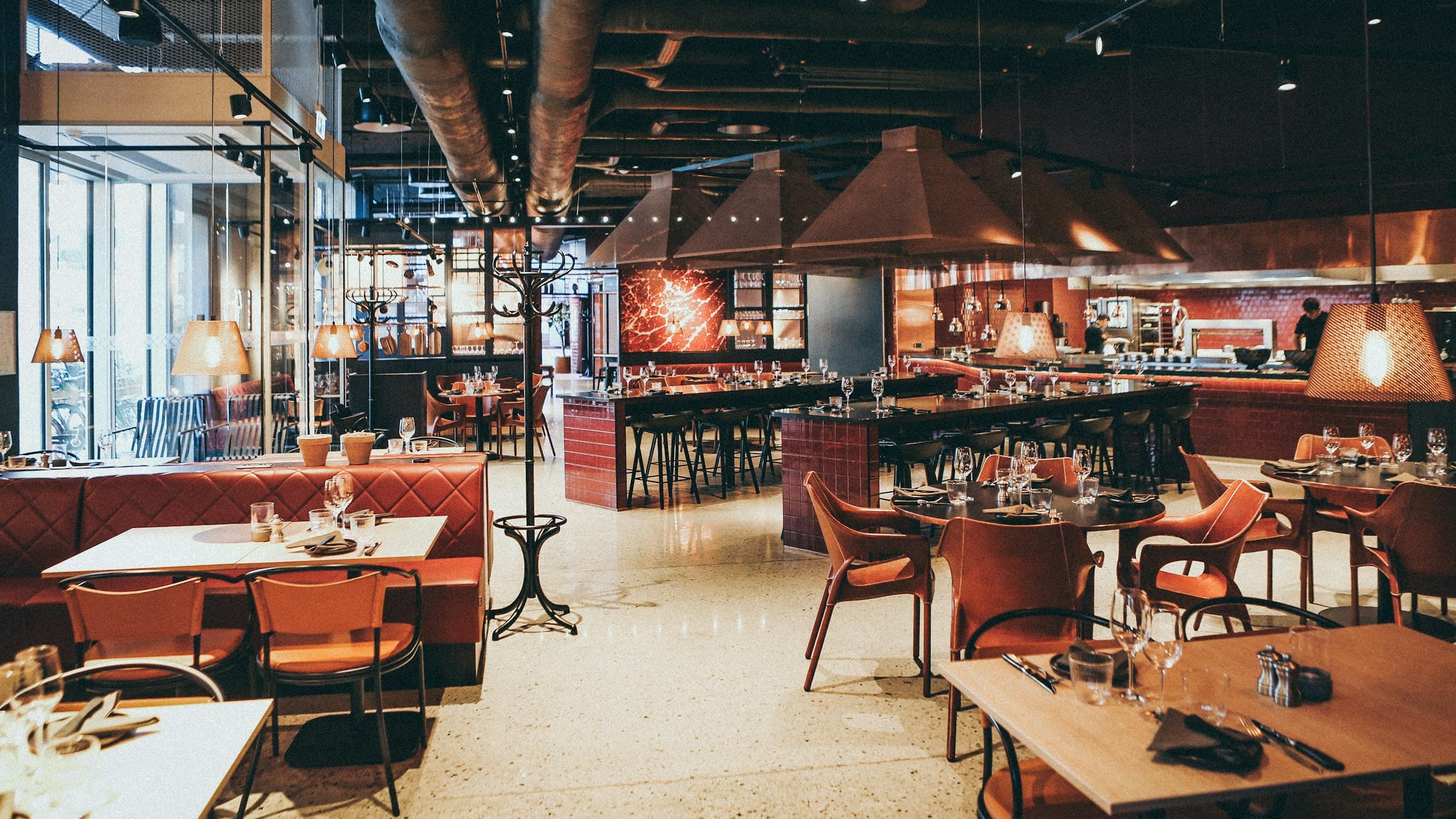
Every table-service restaurant loses the same order. A four-top finishes its first round of drinks, someone holds up an empty glass, and there is no server in sight because she has twelve other tables. The moment passes, the table asks for the check instead, and a round that carried the best margin on the menu never reached the kitchen.
bavoli now includes in-restaurant QR code ordering on every plan, including Free. Guests scan a code at the table, browse your menu in their phone's browser, order, and pay. There is no app to download and no account to create. The order lands in the same queue as your pickup and delivery orders, tagged with the table number.
What guests see
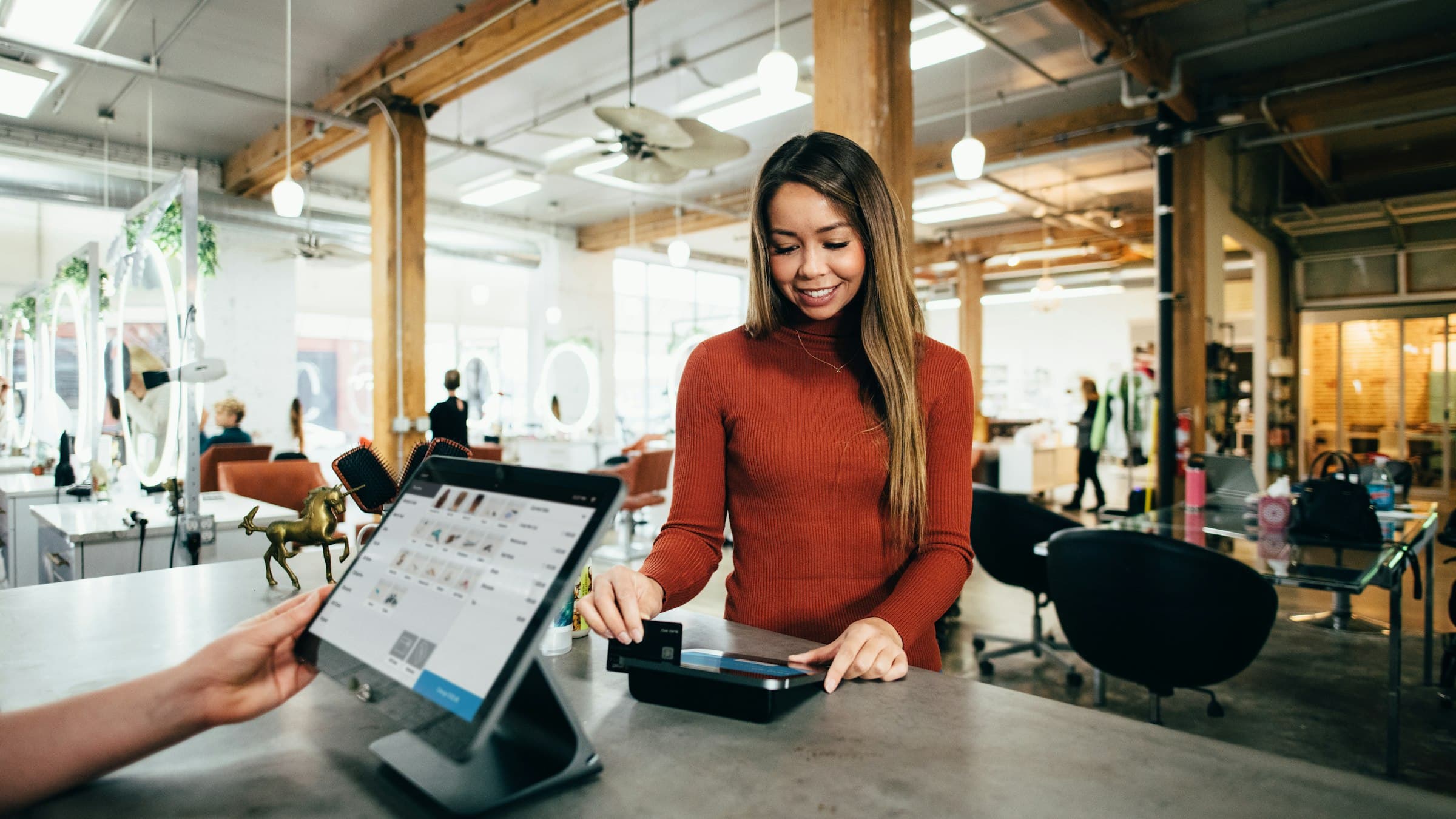
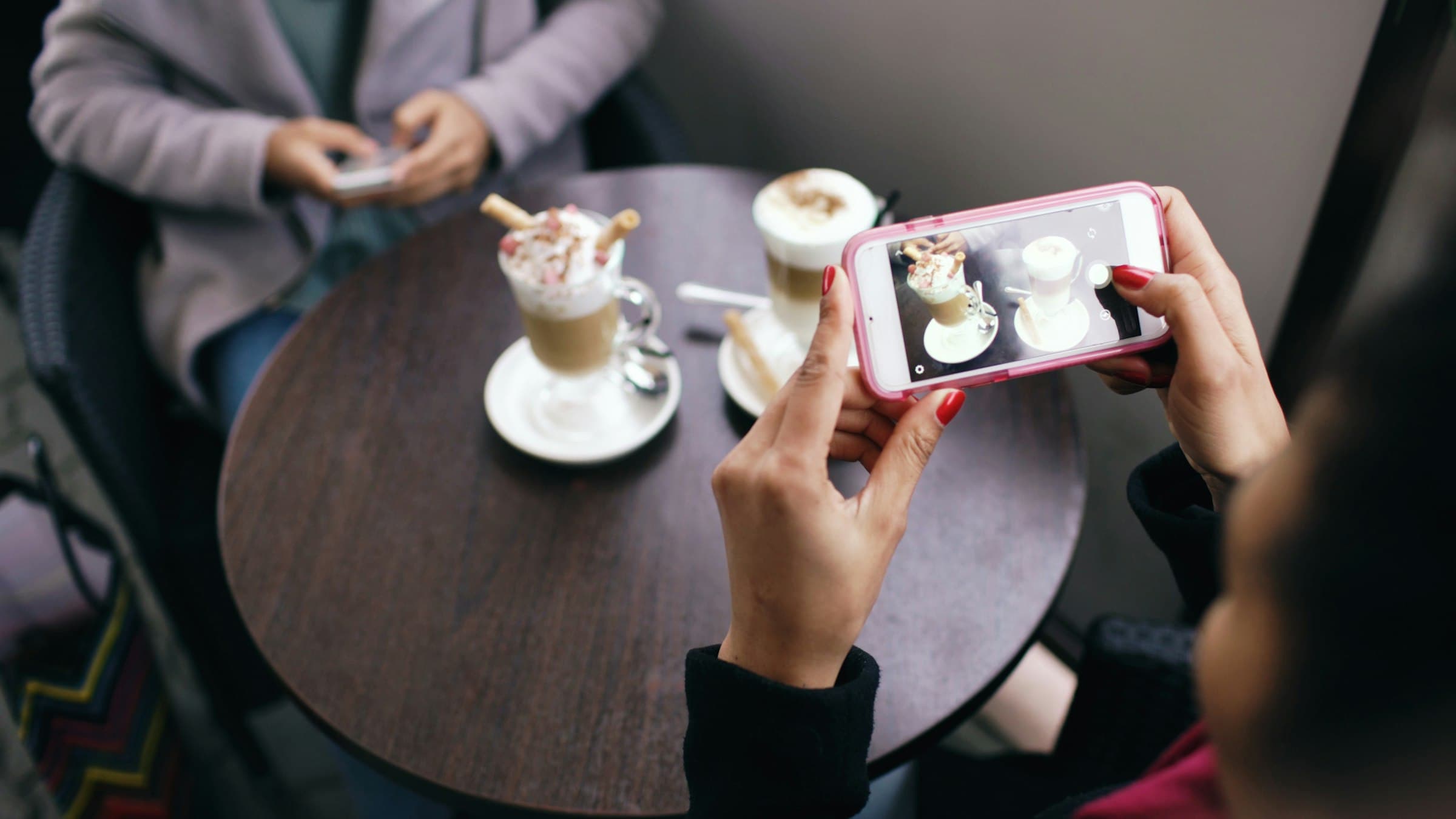
A guest points their phone camera at the code and your menu opens in the browser. They order, then pay by card, Apple Pay, or Google Pay. Several people at one table can each scan and order from their own phones, so nobody has to collect the whole table's order and read it out. When someone wants another round mid-meal, they scan again and the new order joins the same table.
Tipping has presets plus a custom amount, and every dollar of tip goes to the restaurant. Splitting the bill works three ways: an even split, each guest paying for their own items, or custom amounts. The party-of-twelve check that normally costs a server ten minutes of card shuffling settles itself while she covers the rest of her section.
What the kitchen sees
Phone ordering has a reputation on the line, and most of it is earned. Four people ordering separately from one table usually means four tickets printing one after another and a table that fires in pieces. bavoli batches orders placed from the same table within a short window into a single kitchen ticket, so the table fires together.
The other problem is volume with no ceiling. A slammed Friday does not need a system that accepts forty orders in ten minutes and lets the kitchen drown. During a rush, bavoli caps QR orders per time slot and shows guests an honest wait estimate before they order. A guest who orders knowing the kitchen is 25 minutes out tends to sit back and finish their drink.
Dine-in orders land in the same dashboard queue and the same tablet app as your pickup and delivery orders, each one tagged with its table number. Whoever is expediting reads one screen.
The fee math
Dedicated QR ordering platforms typically charge a monthly subscription plus 2-8% of every order on top. The busier your dining room gets, the more you pay, which is the same backwards math as per-cover fees on reservations.
bavoli charges 0.5% per order. Dedicated QR platforms typically take 2-8%. QR ordering is on the Free plan, so there is no monthly fee for it.
| Typical QR platform | bavoli | |
|---|---|---|
| Software cost | Monthly subscription | $0 on the Free plan |
| Cut of every order | 2-8% | 0.5% |
| Fees on $10,000/mo of table orders | $200 to $800 | $50 |
A restaurant doing $10,000 a month in QR orders hands a typical platform $2,400 to $9,600 a year in percentage fees, and that is before the subscription. The same volume on bavoli costs $600 a year in order fees, and by default your guests cover those at checkout.
Card processing still exists; someone always pays the card networks. By default bavoli passes the processing fee to the guest as a line item, so you receive 100% of your menu price. If you would rather absorb it, you can choose that instead.
Setup
The menu is the same digitized menu you already manage in bavoli. Upload a PDF or a photo once and it becomes a structured menu you edit from the dashboard. When you 86 an item, it disappears from guests' phones immediately, which beats a server apologizing at the table after the order went in. If your menu already lives in bavoli's menu system, QR ordering starts from what you have.
The dashboard generates printable QR codes for each table, with your logo on them if you want it. Print them, laminate them if your tables get wiped down between seatings, and set them out.
Where it earns its keep
The clearest case is the drink reorder. Few guests will flag down a busy server for one more beer; they wait for eye contact, and on a packed night eye contact never comes. A code on the table turns that dead order into a ticket.
Big tables are another. One check for a large party means a server negotiating who owes what while three other tables need her. When each guest orders and pays from their own phone, the split happens on their side of the table.
Patio and overflow seating rounds it out. When you are down a server, the seats farthest from the kitchen sit unwatered and unordered the longest. A QR code takes the order while your floor staff catches up.
Your servers keep doing the work that fills seats. They greet tables, run the food, answer questions, and sell the dessert. QR ordering picks up the orders that die waiting for a free pair of hands.
The full walkthrough is on the QR code ordering page, and the plan comparison is on the pricing page. Next Friday, count the tables that tried to order something mid-meal and gave up. Each one is revenue a code on the table would have caught.